
Automated Kanban Board Excel Template
Automated Kanban Board is ready to use. Add your data and start working.
$29.95 single user · $59.90 multi user
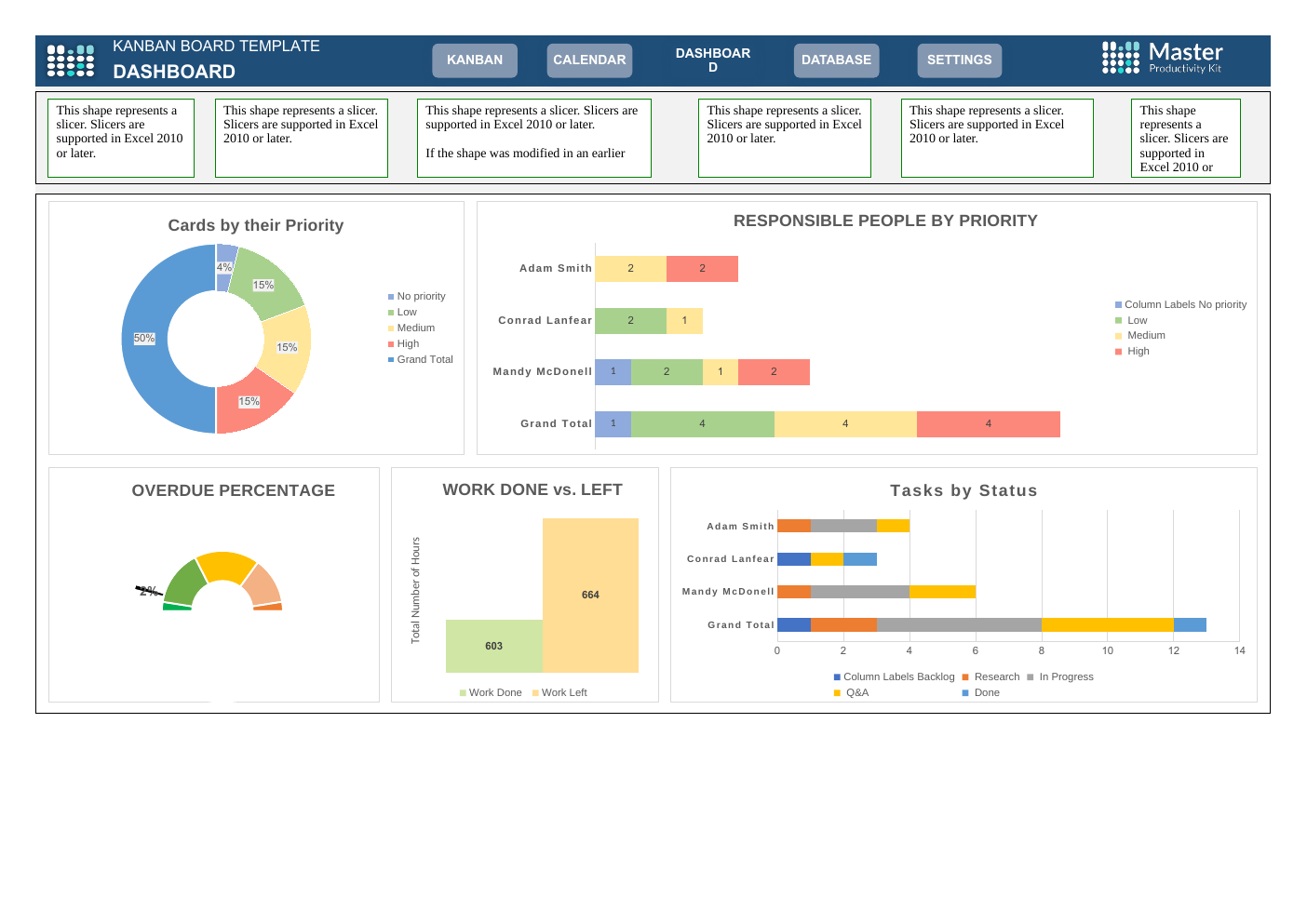
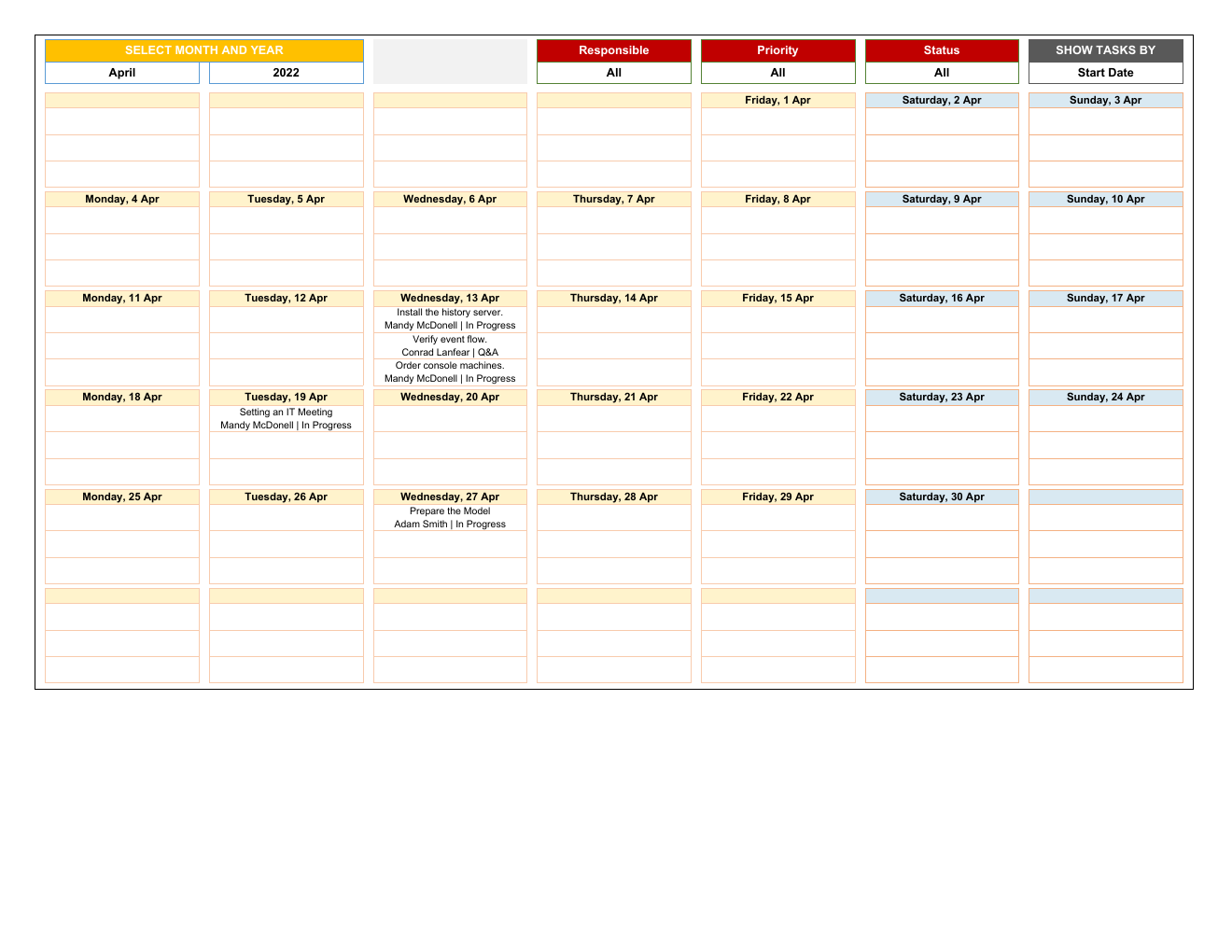
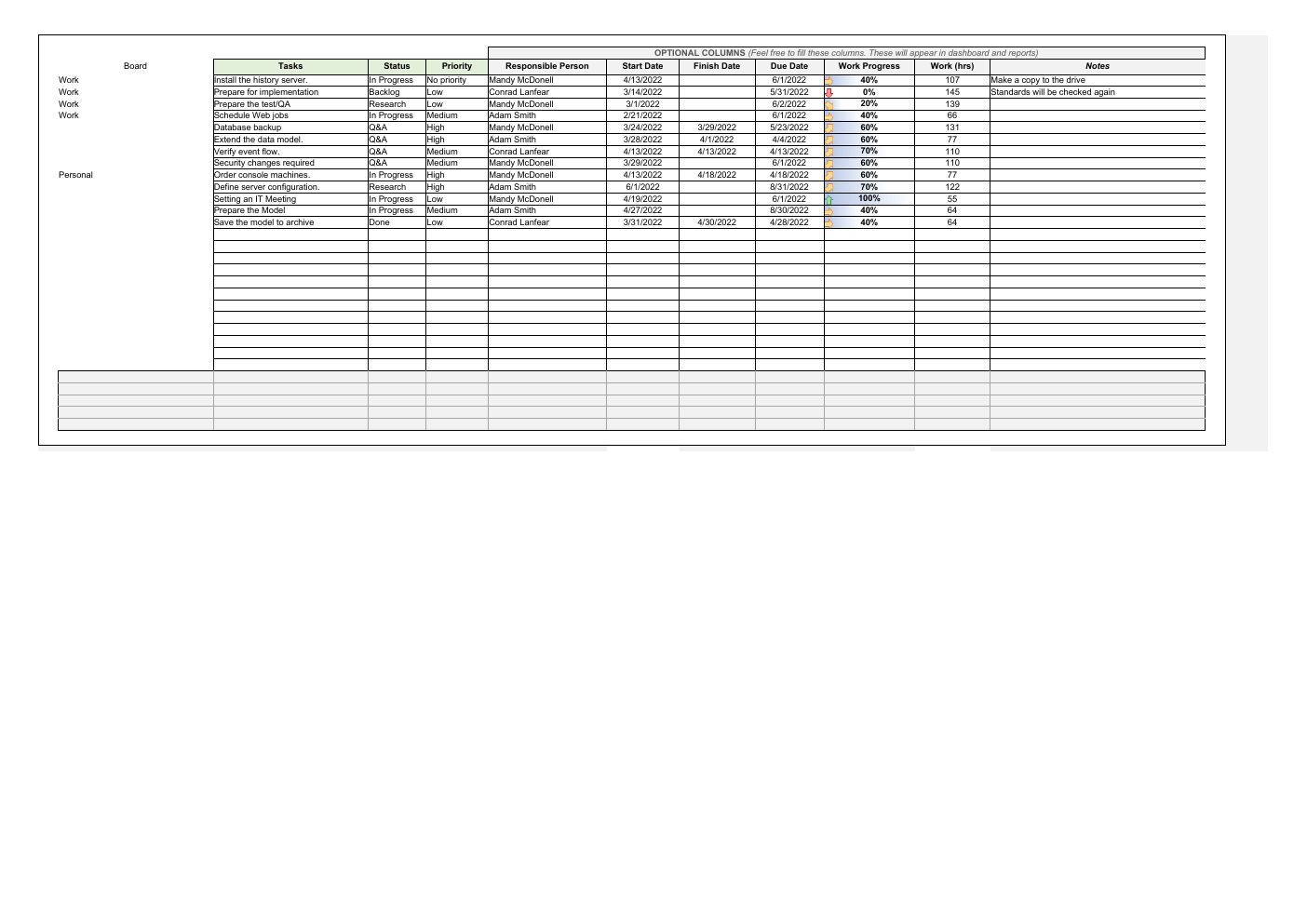
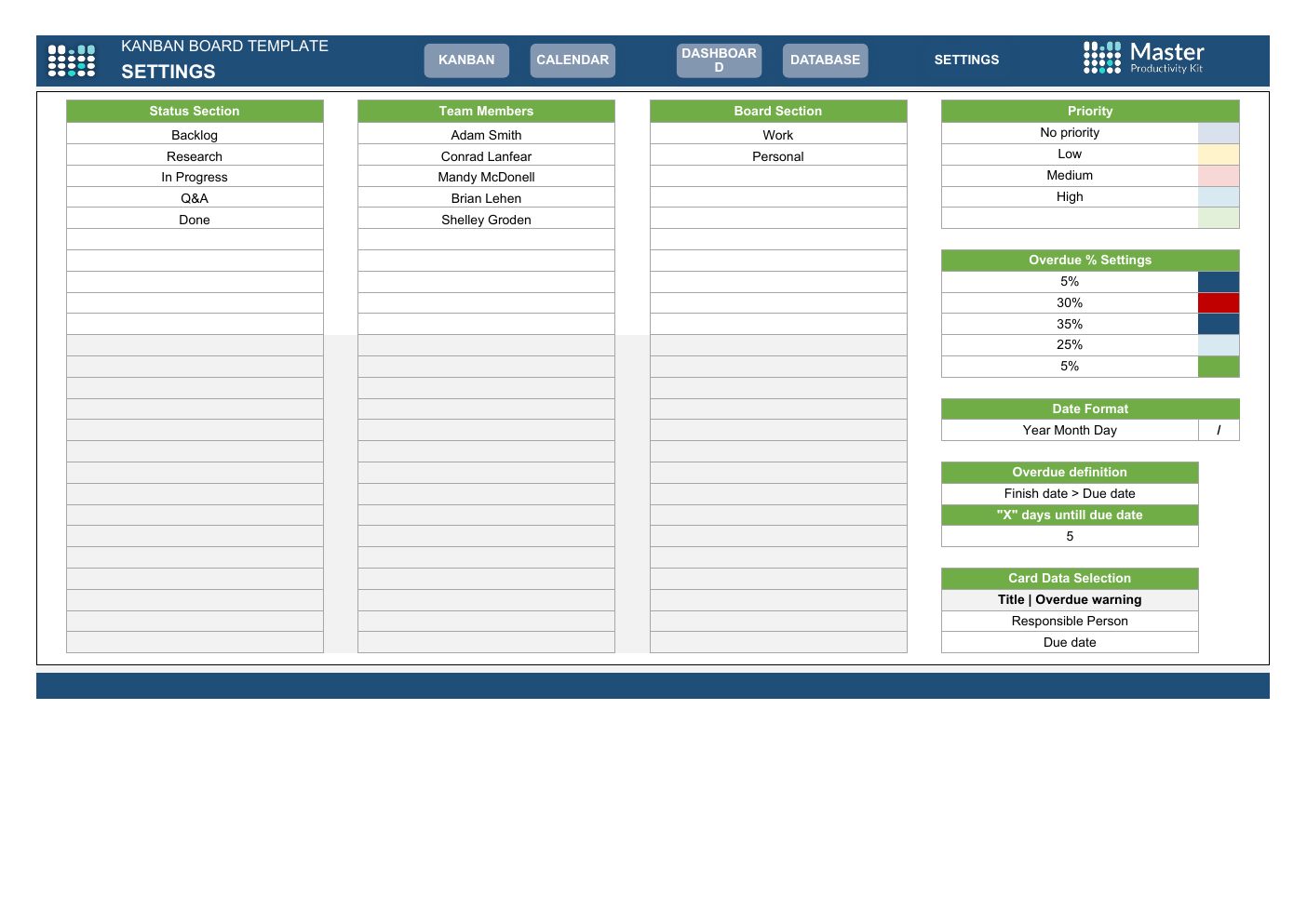
Automated Kanban Board is a finished Excel workbook for a plan, owners, and status in one workbook. Open it, add your data, and use the sheets already in the file. One-time purchase: duplicate it for the next cycle instead of rebuilding it.
What is in the file
- Kanban Board
- Project Management
- Windows & Mac
Compatibility
Excel 365, Excel 2021, Windows & Mac. One-time purchase. Download the file, add your data, and start working.
How it works
- Download the free version on this page if you want to confirm the file opens and the layout is what you expect.
- After purchase, download the Pro workbook. Open it in Excel 365 or Excel 2021 on Windows or Mac and add your own data.
- Duplicate the file for the next cycle instead of rebuilding it.
Who it is for
Project managers and team leads who need a board for work in progress, not a blank grid to design from scratch.
Use cases
- A weekly board for one team, with each task owned by a person and sitting in a stage.
- A status view you duplicate for the next sprint instead of rebuilding the layout.
- A handoff between a lead and the people doing the work, when the question is what is moving and what is stuck.
Licensing
Single user is $29.95. Multi user is $59.90. Both are a one-time purchase for this file. The $99 per month membership is a separate plan for the whole catalog. It is not included in this price.
FAQ
Is this a Google Sheets file?
No. This SKU is an Excel workbook for Excel 365 and Excel 2021 on Windows and Mac.
What do I add?
Your own tasks, owners, and status. The workbook is the starting file. It does not come filled with your projects.
Can I return it if I change my mind?
No. A downloaded file is not refunded for a change of mind. Within 30 days you can get a full refund if the file is defective or materially different from this page. Read the refund policy before you buy, and use the free version to check the layout first.